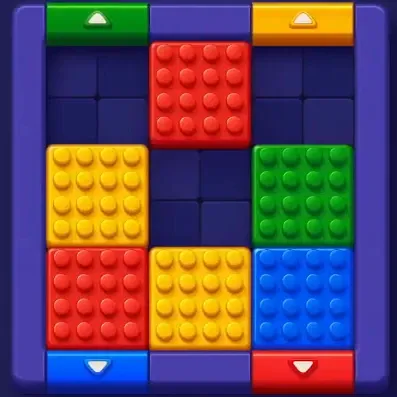
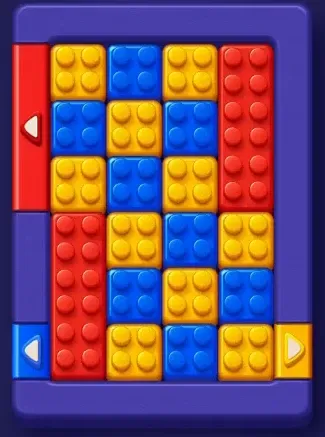
Block Out is a color block sliding puzzle by Grand Games for iOS and Android. If you are stuck on a level, pick it from the list above to see the solved board, every move in order, and a walkthrough video.
What is Block Out?
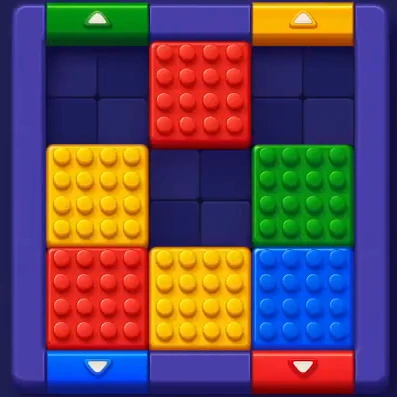
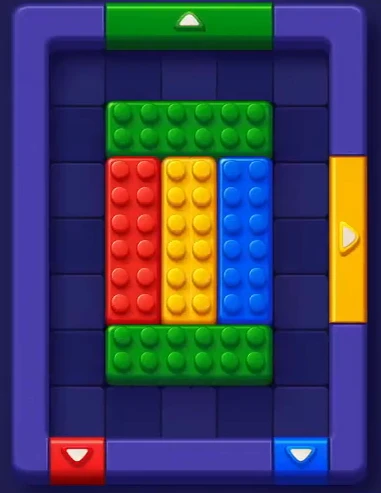
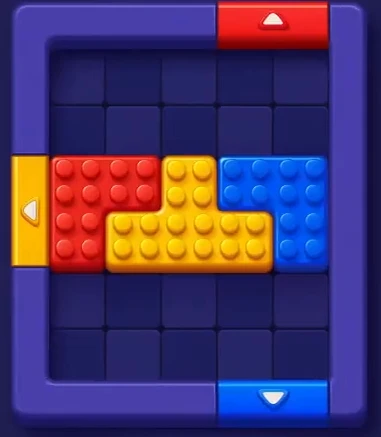
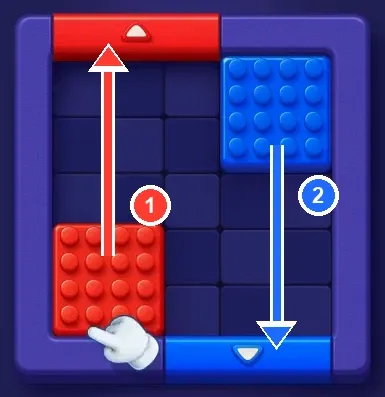
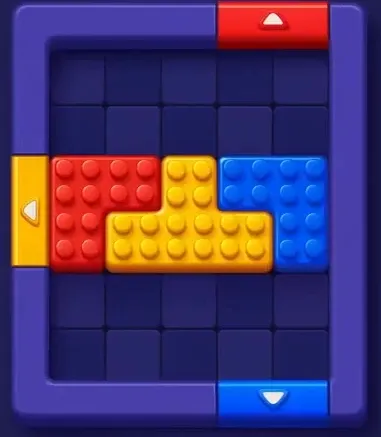
Block Out is a puzzle game where the board is packed with colored blocks and the edges have colored gates. You slide each block out through the gate of the same color. The level is done when the board is empty.
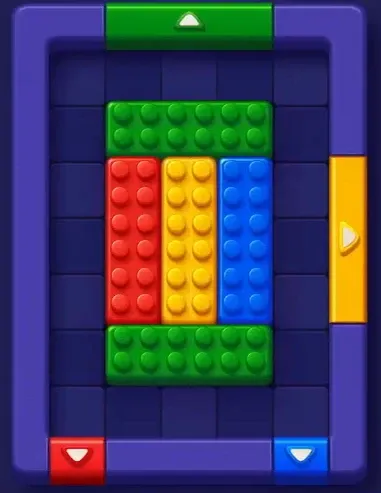
Early levels have only a few blocks and one or two moves each. Later levels fill the whole board, mix single squares with long bars, and put gates where the blocks get in each other's way.
How to Play Block Out
- Drag a block: slide it up, down, left, or right. It moves until something stops it.
- Exit through a matching gate: a block leaves the board only through a gate of its own color.
- Clear the board: send every block out to finish the level.
Features of Block Out
- Short levels: most boards take a minute or two once you see the order.
- Growing difficulty: bigger boards, more colors, and long bars that block whole lanes.
- Free to play: download from the App Store or Google Play.
Tips and Tricks for Block Out
- Start with the easiest gate: clear the color whose gate is already open first. Each block that leaves makes room for the rest.
- Leave long bars for last: they need a full lane to move, so clear the small blocks around them first.
- Check before each drag: one move can open a path for one color and close it for another.
- Use the video: on long levels, the walkthrough video shows every move in order.
Where to Download Block Out
Block Out is free on the App Store and Google Play.
FAQ
Yes. Block Out is free to download on iOS and Android.
Block Out is made by Grand Games A.Ş.
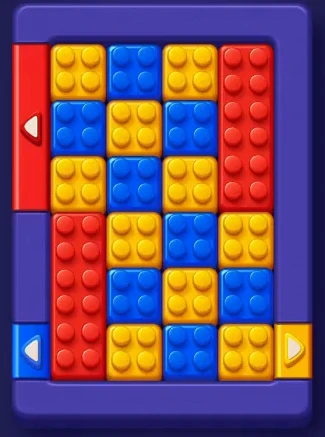
Clear the yellow squares through the bottom-right gate first, then the blue squares and the two red bars. See the Block Out Level 5 walkthrough for every step.
Type the level number into the search box at the top of the page, or open all Block Out levels and pick it from the list.